Old photos connect us to the past—family gatherings, relatives we never met, moments that mattered. But physical photographs don’t hold up forever. Paper yellows. Ink fades. Edges tear. Surfaces pick up scratches and stains over time.
Digitizing these photos is a good first step. But scanning alone doesn’t fix damage that’s already there.
AI has made professional-quality photo restoration available to anyone with a smartphone or computer. It used to take hours of skilled work in expensive software to restore an old image. Now, AI-powered apps do it in seconds. They can reconstruct missing details, add color to black-and-white photos, sharpen blurry faces, and even animate still images.
We’ve listed five apps worth trying. Each offers a different mix of features, simplicity, and price. Go with what fits your needs and your time.
How AI Photo Restoration Works
Let’s go over how AI photo restoration works.
In the old days, fixing photos was all manual work – cloning textures, adjusting tones, and hand-coloring everything. It took a lot of time and skill.
AI handles it much faster. It uses GANs – two AI systems that compete. One generates the missing parts (scratches, faded areas, blurry faces), and the other makes sure it looks natural. This loop repeats until the photo looks real. Most images are done in seconds.
The AI repairs damage, restores faces, colorizes black-and-white photos, and boosts resolution – all at the same time. It doesn’t just apply filters. It predicts and rebuilds the missing details, so professional results are now just one click away.
Best Tools to Bring Old Photos Back to Life
With the “how” out of the way, here are the top 5 apps that put this powerful technology in your pocket.
1. Renew Photo
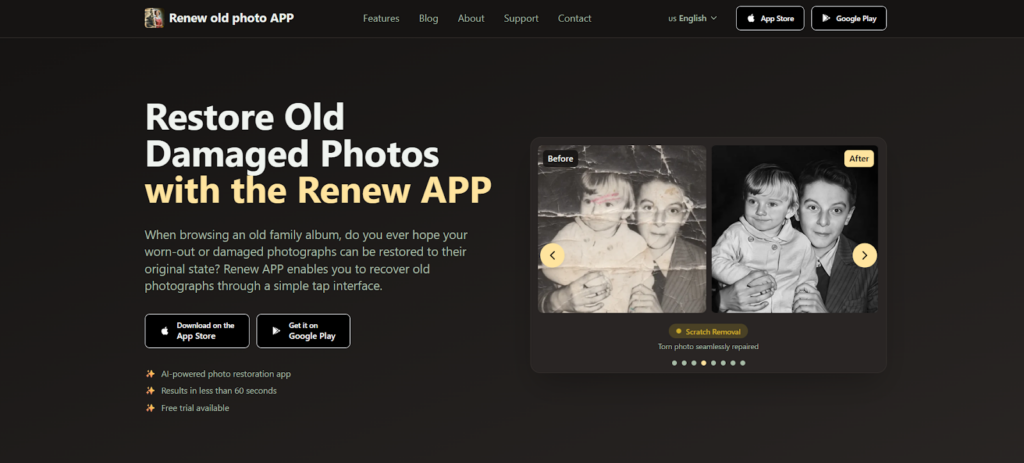
Best for: Users seeking an all-in-one restoration solution with both automatic and manual controls.
Renew Photo is built to handle old photographs. It repairs damage, adds color to black and white images, sharpens details, and can even add subtle movement to still pictures. The AI does most of the work. You upload a photo, and the app figures out what needs fixing.
It’s a solid choice if you want one tool that covers multiple restoration tasks without jumping between apps.
What makes it stand out is how easy it is to use. You don’t need any editing experience – the app handles everything with smart AI behind the scenes, while the interface stays simple and clean. Most photos are ready in under a minute, and new users can try it for free to see the results themselves.
Key Features:
- Restoration for torn, faded, and damaged pictures
- HD enhancement for sharper faces and clearer backgrounds
- Colorization for black-and-white images
- Scratch removal in one tap
- Lighting correction for underexposed or overexposed shots
- Combine multiple images into one
- Animation to bring still pictures to life
- HD print quality output
2. RetroFix
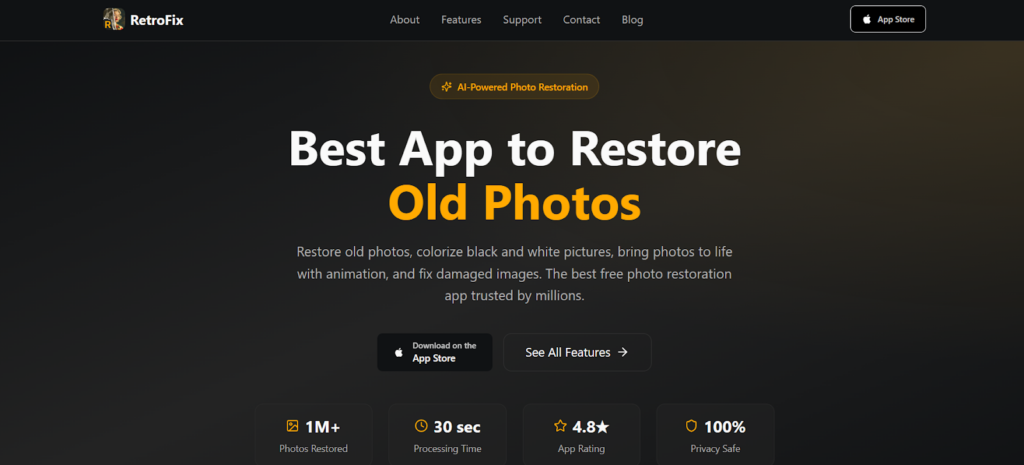
Best for: Users wanting a free, fast restoration app with animation capabilities.
RetroFix is one of the faster options out there. Most restorations finish in under 30 seconds. The app is free, and it covers the core features you’d expect. You can repair damaged photos, colorize black and white images, and sharpen blurry pictures.
What makes it a bit different is the animation feature. It lets you take a still photo and turn it into a moving video. That’s not something most restoration apps offer.
The workflow is straightforward. Upload your photo, let the AI do its thing, then download the result. Three steps, no complicated menus.
It has a large user base—millions of people have used it—and the feedback is generally positive.
Key Features:
- Free photo restoration with no upfront cost
- 30-second processing time
- Photo animation that turns still images into moving videos
- Colorization for black-and-white photos
- Sharpening for blurry images
- Scratch removal from vintage prints
- HD quality downloads
3. MyHeritage
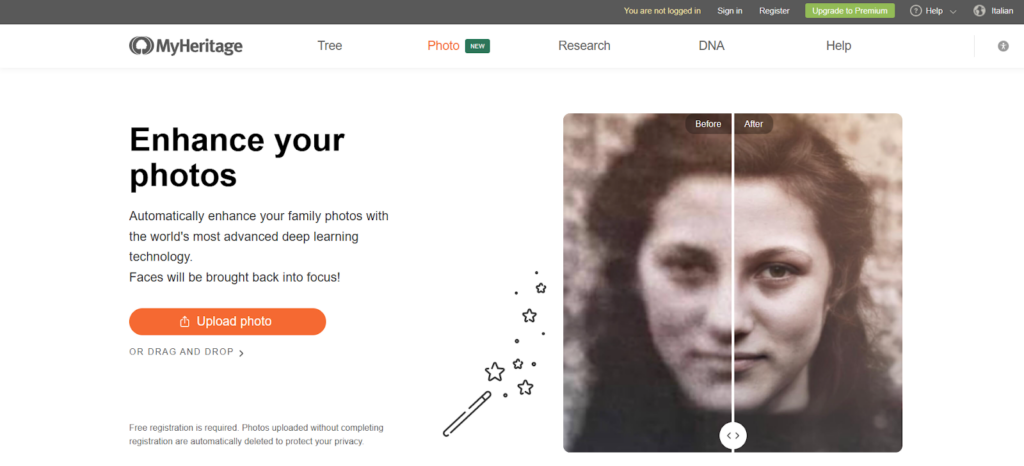
Best for: Users already researching family history who want photo restoration as part of a genealogy platform.
MyHeritage is mainly known for genealogy, but it also includes photo restoration tools. The restoration features are straightforward. You get one-click enhancement and colorization. No complicated settings to figure out.
Processing takes about 30 seconds. And you can use it on the web, iOS, or Android—so it’s convenient if you switch between devices.
There’s a 14-day free trial with the subscription. Enough time to see if it works for your photos before you decide to pay.
Key Features:
- One-click photo enhancement and colorization
- 30-second processing time
- Web, iOS, and Android accessibility
- Integrated with genealogy and DNA discovery tools
- Affordable annual subscription pricing
4. Canva
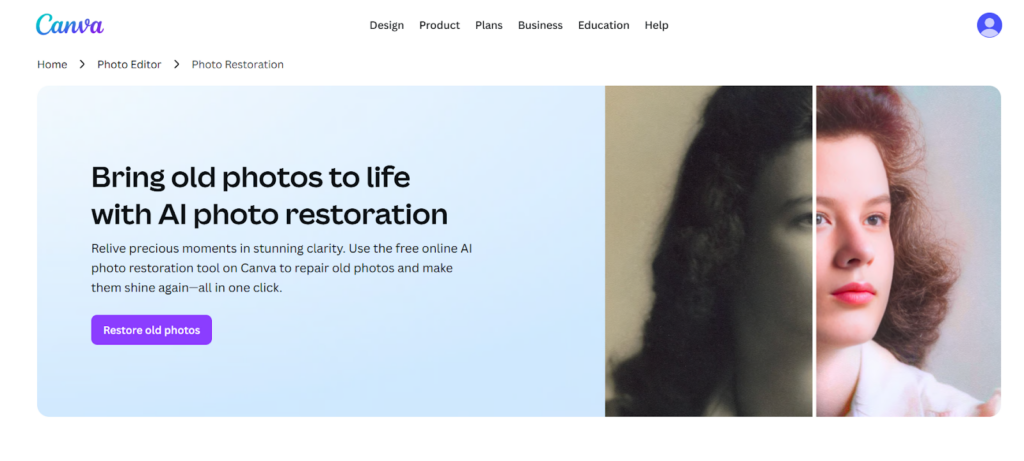
Best for: Users who want to restore photos and immediately use them in design projects.
Canva offers free AI photo restoration inside its larger design platform. So you’re not just getting a tool to fix old photos—you’re getting a place to actually do something with them once they’re restored.
The restoration tool handles creases, tears, and discoloration in seconds. No experience needed. After that, you get thousands of templates and other AI editing tools. Perfect for turning restored images into albums, slideshows, or gifts.
Pro users get Magic Eraser, Magic Edit, and Magic Expand. But the free version covers the basics well.
Key Features:
- Free online photo restoration tool
- One-click repair for creases, tears, and discoloration
- Integration with Canva’s design templates and projects
- Brightness, exposure, and white balance adjustments
- Magic Eraser for removing unwanted objects (Pro)
- Image upscaling for print-quality resolution
- Cross-platform availability
5. Picsart
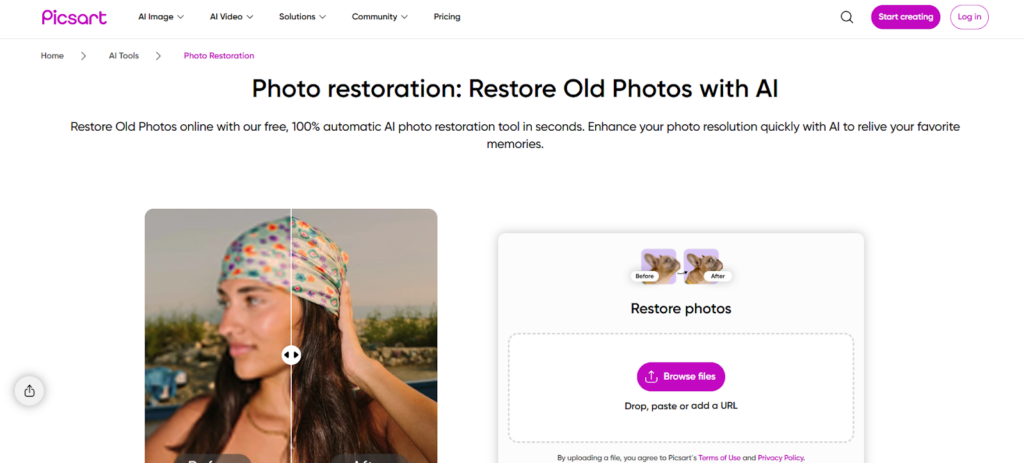
Best for: Users restoring large collections who need batch processing capabilities.
Picsart combines AI photo restoration with a broader editing platform. So you get more than just repair features.
The restoration tool handles scratches, blur, fading, and discoloration automatically. Batch processing is also available, meaning you can restore whole photo albums at once instead of doing each image individually.
If you need additional editing tools, Picsart covers that too. Background removal, image upscaling, and creative effects are all included. It works well for users who want one app that does both restoration and general editing.
Key Features:
- 100% automatic AI restoration
- Batch processing for multiple photos at once
- Image upscaling for increased resolution
- Remove object tool for unwanted spots
- Photo colorization for black-and-white images
- Integration with filters, effects, and design tools
- Background removal capabilities
Conclusion
You no longer need expensive gear or years of practice to restore old photos. AI tools do the work for you. Anyone can fix damage, correct fading, or colorize black and white images. It only takes a few seconds.
When choosing a restoration tool, consider a few things. How many photos do you need to fix? What features are important to you? What’s your budget? How will you use the restored images? Most apps offer free trials, so you can test them out before paying.
At the end of the day, restoring old photos is about preserving memories. AI makes it possible to bring back photos that seemed beyond repair. That means they can be shared and enjoyed again.