
A NetSuite rollout usually starts in one department. Finance may lead the project. Operations may own the requirements. IT may oversee implementation. Then the system goes live, and suddenly everyone is involved.
Procurement has new workflows. Sales teams need different approval processes. Operations staff enter information differently from accounting. Managers discover that the same task is being completed three different ways depending on who performs it.
This is where many organizations run into an uncomfortable realization. Deploying NetSuite and getting people to use NetSuite are separate challenges.
The software can be configured perfectly and still create frustration if employees are unsure how processes should work inside the new environment.
That challenge becomes even more noticeable when several departments are affected at the same time. What feels intuitive to a finance team may seem completely unfamiliar to someone in operations. Documentation written for administrators rarely helps a frontline employee trying to complete a task before a deadline.
As a result, many organizations invest in adoption tools alongside the implementation itself.
The goal is not simply to teach people how NetSuite works. The goal is to help different departments work consistently once the project is no longer receiving daily attention from the implementation team.
Why Multi-Department Rollouts Are Different
A small software deployment can often survive on training sessions alone. Large NetSuite implementations rarely can.
Different departments interact with the system for different reasons. Some employees may spend hours inside NetSuite every day. Others only access it occasionally. Some users need detailed process knowledge. Others only care about completing a handful of recurring tasks correctly.
The result is a patchwork of learning needs. Documentation helps. Training helps. Support teams help. But eventually, organizations reach a point where employees need guidance while they are working rather than before they start working. That is where digital adoption tools tend to enter the conversation.
1. Tango
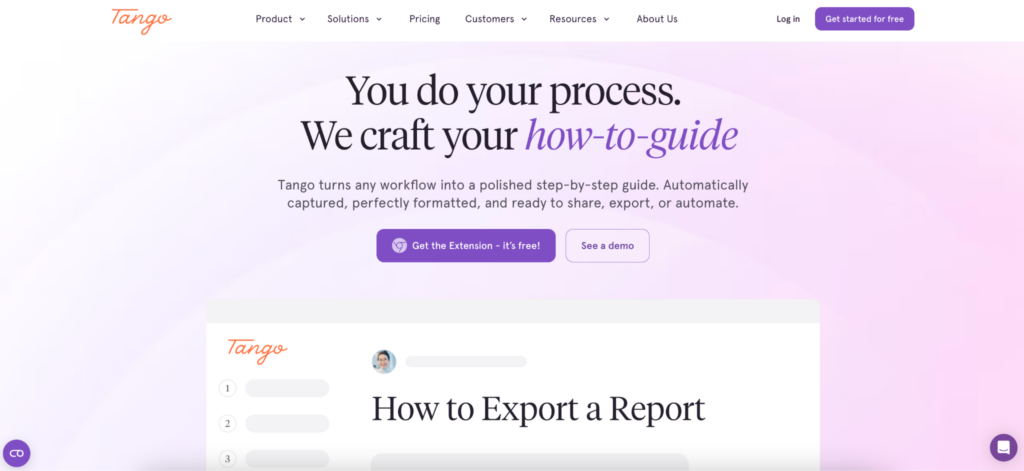
One challenge appears in almost every NetSuite implementation. The project team knows how the process should work. Employees do not.
Documentation often exists, but it is scattered across folders, slide decks, internal portals, and notes from implementation workshops. Finding the right information becomes its own task. Tango focuses on making process knowledge easier to capture and easier to access.
Teams can create step-by-step guides while performing the workflow itself, then distribute those guides across departments. This can be especially useful during NetSuite rollouts where finance, procurement, operations, and management teams all interact with the platform differently.
Capabilities include:
- Workflow documentation
- Process guides with screenshots
- Branching logic for more complex workflows
- Embedded guidance
- Adoption analytics
- Cross-system support
One aspect that makes Tango attractive for rollout teams is that NetSuite rarely exists in isolation. Organizations often deploy other business systems alongside it, and process documentation needs to follow users across those environments as well.
For companies trying to standardize how work gets done across multiple departments, that flexibility can be valuable.
2. WalkMe
Some organizations approach adoption as a long-term operational initiative rather than a rollout activity. WalkMe is often associated with that type of environment.
The platform is widely used by large enterprises managing adoption across multiple business applications, departments, and regions. NetSuite may be one part of a broader transformation effort involving CRM, HR, procurement, and finance systems.
Common capabilities include:
- In-app guidance
- Adoption programs
- User analytics
- Workflow support
- Enterprise governance
The platform’s scale often appeals to organizations looking for a centralized approach to adoption across large technology ecosystems.
3. Whatfix
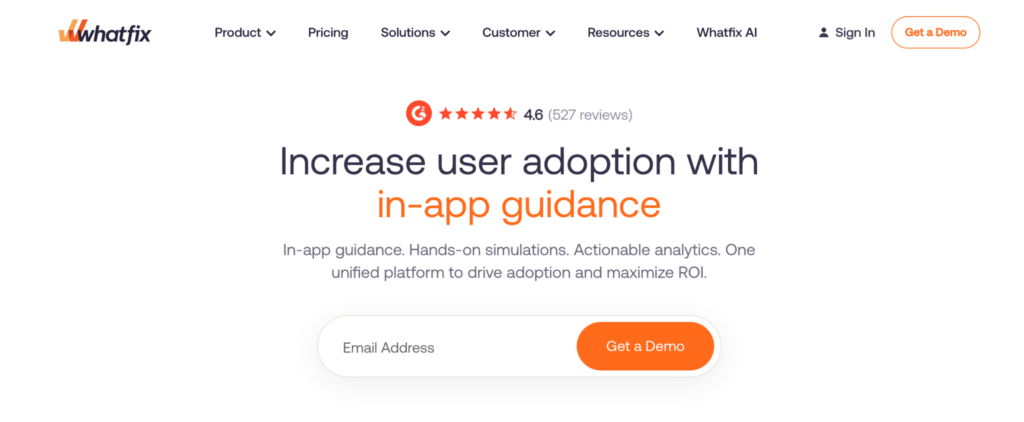
Many users do not struggle because they lack training. They struggle because they need help at a specific moment.
Perhaps an approval path has changed. Perhaps they encounter a task they only perform once a month. Maybe they simply forgot a step. Whatfix focuses on delivering assistance directly inside the application environment.
Rather than asking users to leave NetSuite and search for information elsewhere, guidance can appear while the workflow is being completed.
Organizations frequently evaluate Whatfix when they want to reduce dependence on external documentation and provide more contextual support inside enterprise applications.
Common use cases include:
- Guided workflows
- Process assistance
- User onboarding
- Application adoption
- Workflow standardization
For larger NetSuite environments, this approach can help reduce friction after go-live.
4. Spekit
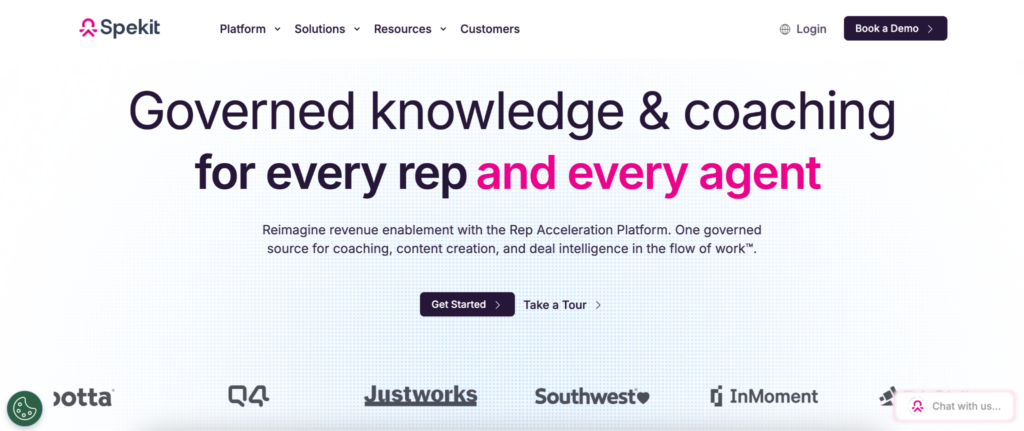
Sometimes the problem is not documentation. The problem is discovering documentation. Employees know the answer probably exists somewhere. They simply cannot find it quickly enough to be useful. Spekit focuses on bringing knowledge closer to the workflow.
This has made it popular among operational teams that depend on consistent execution but do not want users constantly switching between applications, documentation portals, and communication tools.
Capabilities include:
- Embedded knowledge delivery
- Process guidance
- Operational support
- Documentation access
- Team enablement
Organizations trying to reduce interruptions often find this approach appealing because it shortens the distance between questions and answers.
5. Stonly
NetSuite processes are not always linear. A workflow may change depending on department, transaction type, approval requirements, or customer circumstances.
Static guides can struggle with those variations. Stonly takes a different approach by focusing on interactive guidance that adapts based on user decisions.
Instead of presenting the same instructions to everyone, the platform helps users navigate different paths depending on their situation.
Common use cases include:
- Decision trees
- Interactive workflows
- Process support
- Knowledge delivery
- Internal help resources
For organizations with more variable processes, that flexibility can make adoption easier to manage.
How These Platforms Approach Adoption
Although the products below are often grouped together, they do not solve exactly the same problem. Some focus on documentation. Others emphasize workflow guidance, analytics, or knowledge delivery.
| Platform | Primary Focus | Common NetSuite Use Case |
| Tango | Process guidance and workflow documentation | Cross-department NetSuite rollouts |
| WalkMe | Enterprise digital adoption | Large transformation initiatives |
| Whatfix | In-application guidance | Complex NetSuite workflows |
| Spekit | Embedded knowledge delivery | Process consistency across teams |
| Stonly | Interactive process support | Decision-based workflows |
The Goal Is Consistency
When leaders talk about adoption, they often focus on usage. How many employees logged in. How often the system is used. Which features receive the most activity. Those metrics matter. Yet many NetSuite projects are really trying to solve a different problem. Consistency.
The objective is to make sure the finance team follows the same process as the operations team. It is making sure new employees learn the current workflow rather than an outdated version. It is reducing the number of exceptions that appear because people improvise when they are unsure what to do.
Adoption tools help because they make process knowledge easier to access. The usage metrics improve afterward.
After the Rollout Team Leaves
Every implementation eventually reaches the same point. The consultants leave. The project meetings disappear from the calendar. Leadership shifts attention elsewhere. Employees continue working. That final part often determines whether a rollout succeeds in the long run.
The tools above approach the challenge from different angles, but they share a common purpose: helping people perform work correctly without relying on memory, guesswork, or constant support from colleagues.
For organizations rolling out NetSuite across multiple departments, that support can remain valuable long after go-live becomes a distant memory.